Back to home
Invincible CRM feature tour

Invincible CRM feature tour

One shareable view of the full CRM: capture conversations, manage relationships, automate follow-up, collaborate with the team, track revenue, and find every detail fast.

AI captureWhatsApp CRMDeal pipelineTeam workspaceFinance

12+

core CRM modules visible in one tour

3

capture paths for calls, chats, and notes

1

workspace for follow-up, pipeline, and revenue

0

context lost between message and next action

Product map

Everything a lean sales team needs, visible in one place

The feature tour is built for prospects, team members, and social visitors who need to understand the whole product without logging into a workspace first.

Capture lead context
Track active deals
Assign follow-up
Connect channels
Invite teammates
Export finance data

Command center

Today in sales

Live workspace

New capture

Met Priya from Skyline, wants proposal Friday

Deal moved

BrightPath Studio moved to negotiation

Reminder

Call Rahul tomorrow at 10 AM

Lead

18

Proposal

9

Won

4

Feature groups

Six product stories people can understand in seconds

Each group explains a complete outcome, so the product feels less like a list of screens and more like a working sales system.

Less typing, cleaner records

Capture

Start from the way sales teams already work: calls, WhatsApp messages, meeting notes, and quick updates.

  • Natural-language quick capture
  • WhatsApp and inbox conversation parsing
  • Transcript imports for meeting notes
  • Preview before records are saved

Relationships stay organized

Manage

Make every customer, company, deal, task, reminder, and note easy to find when the next move matters.

  • Contacts and companies
  • Kanban deal pipeline
  • Tasks with ownership and priority
  • Reminders for time-sensitive follow-up

The CRM creates momentum

Automate

Use lightweight rules that keep the system proactive without turning setup into an enterprise project.

  • Deal-stage automation
  • Task-completion triggers
  • Inbound conversation actions
  • Background job processing

Everyone sees the same truth

Collaborate

Give founders, admins, members, and viewers a shared workspace where handoffs are obvious.

  • Team workspace
  • Role-aware access
  • Shared activity history
  • Centralized settings and support

Follow-up meets revenue

Measure

Keep commercial outcomes connected to pipeline activity instead of splitting finance into another tool.

  • Invoice tracking
  • Revenue context beside deals
  • Workbook export
  • Dashboard signals for active work

Context comes back fast

Find

Search across CRM records and imported context so the team can recover details without digging through chat history.

  • Workspace search
  • Recent capture history
  • CSV import previews
  • Dedupe checks before writing

Full module list

Every major workspace area, ready for a product walkthrough

AI Capture

Turn plain-language sales updates into contacts, deals, notes, tasks, and reminders.

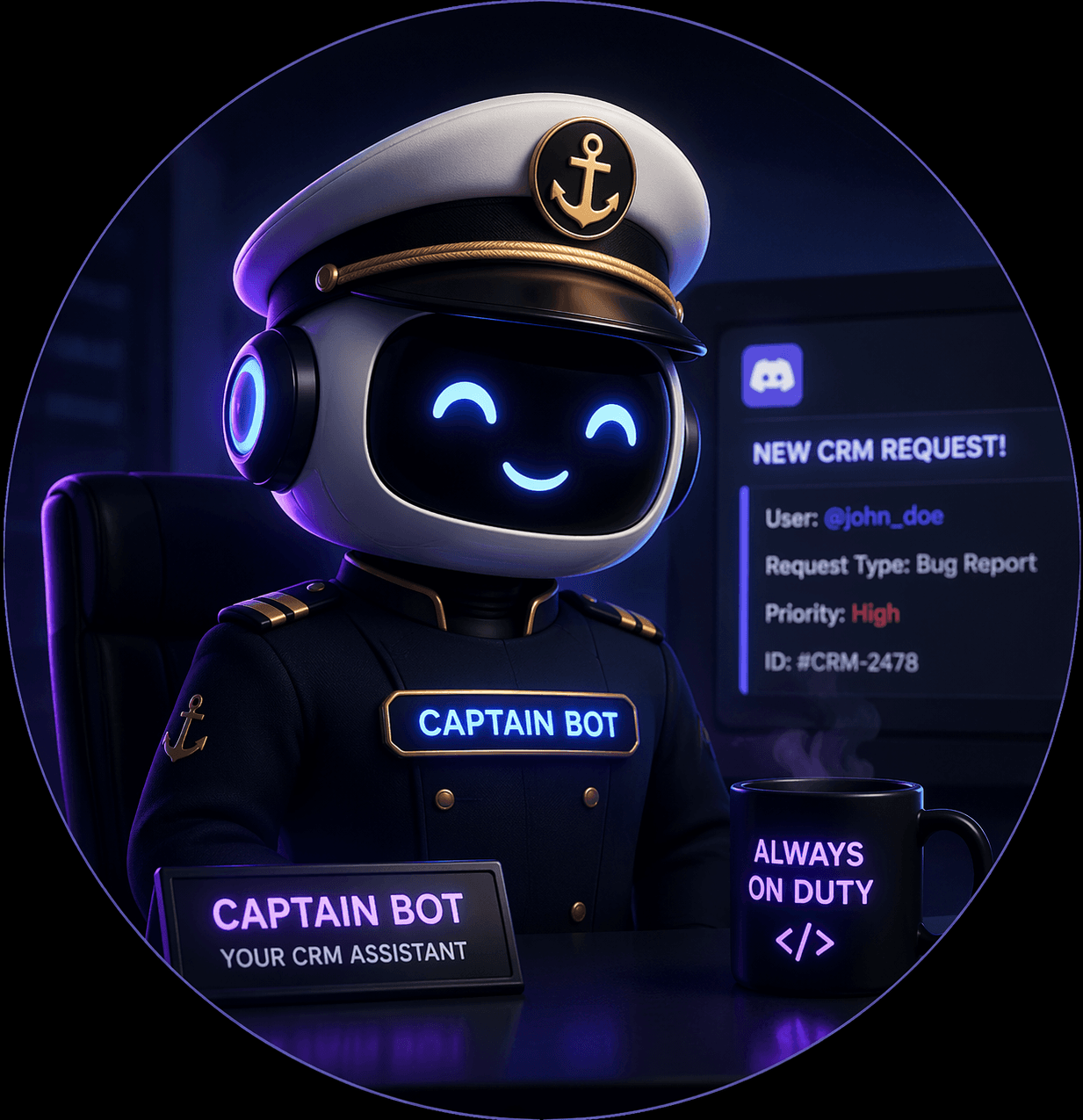
Captain Hook

A guided product assistant for finding the next best workflow inside the CRM.

Dashboard

See activity, pipeline health, overdue work, and revenue signals in one calm control center.

Contacts

Keep people, companies, notes, deal history, and follow-up context connected.

Deals

Manage a visual pipeline and move opportunities without losing customer context.

Tasks

Track ownership, due dates, priorities, recurring follow-ups, and completed work.

Reminders

Keep callbacks, proposal nudges, and renewal touches visible before they slip.

Inbox

Paste WhatsApp chats, email threads, and call notes, then convert them into CRM updates.

Automations

Trigger the next action when a deal moves, a task closes, or a conversation arrives.

Integrations

Connect email, WhatsApp, background jobs, and the systems where conversations begin.

Finance

Track invoices and revenue next to the deals and contacts that created them.

Imports and Search

Bring in CSVs or transcripts, dedupe records, and search the whole workspace quickly.

Workflow

From conversation to follow-up without dropped context

The best product story is simple: every customer signal becomes structured work the team can actually complete.

1

Conversation arrives

A lead comes from WhatsApp, email, a call, or a founder's quick note.

2

AI structures the update

The CRM identifies contacts, deal movement, dates, notes, and next actions.

3

Team follows through

Tasks, reminders, invoices, and pipeline views keep the promise visible.

Next move

Give visitors one page that proves the CRM is more than a dashboard

Share the feature tour, send prospects to a guided demo, or let new users open a workspace with the product story already clear.